
Common framework#
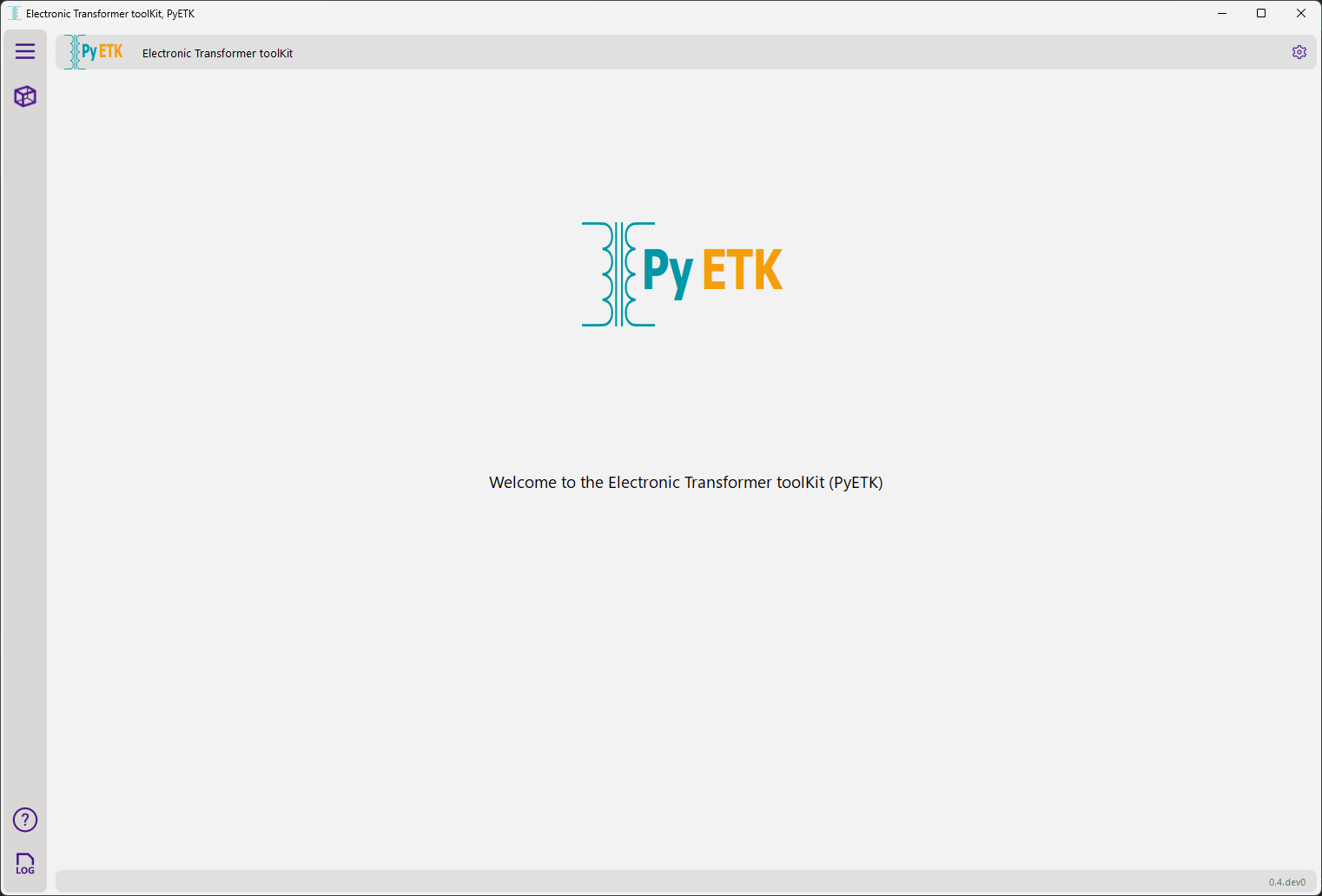
This page explains how to use the PyETK common framework, which is shared across all AEDT toolkits. It takes you through the UI, from the initial Welcome page to configuring settings and viewing logs and online help.
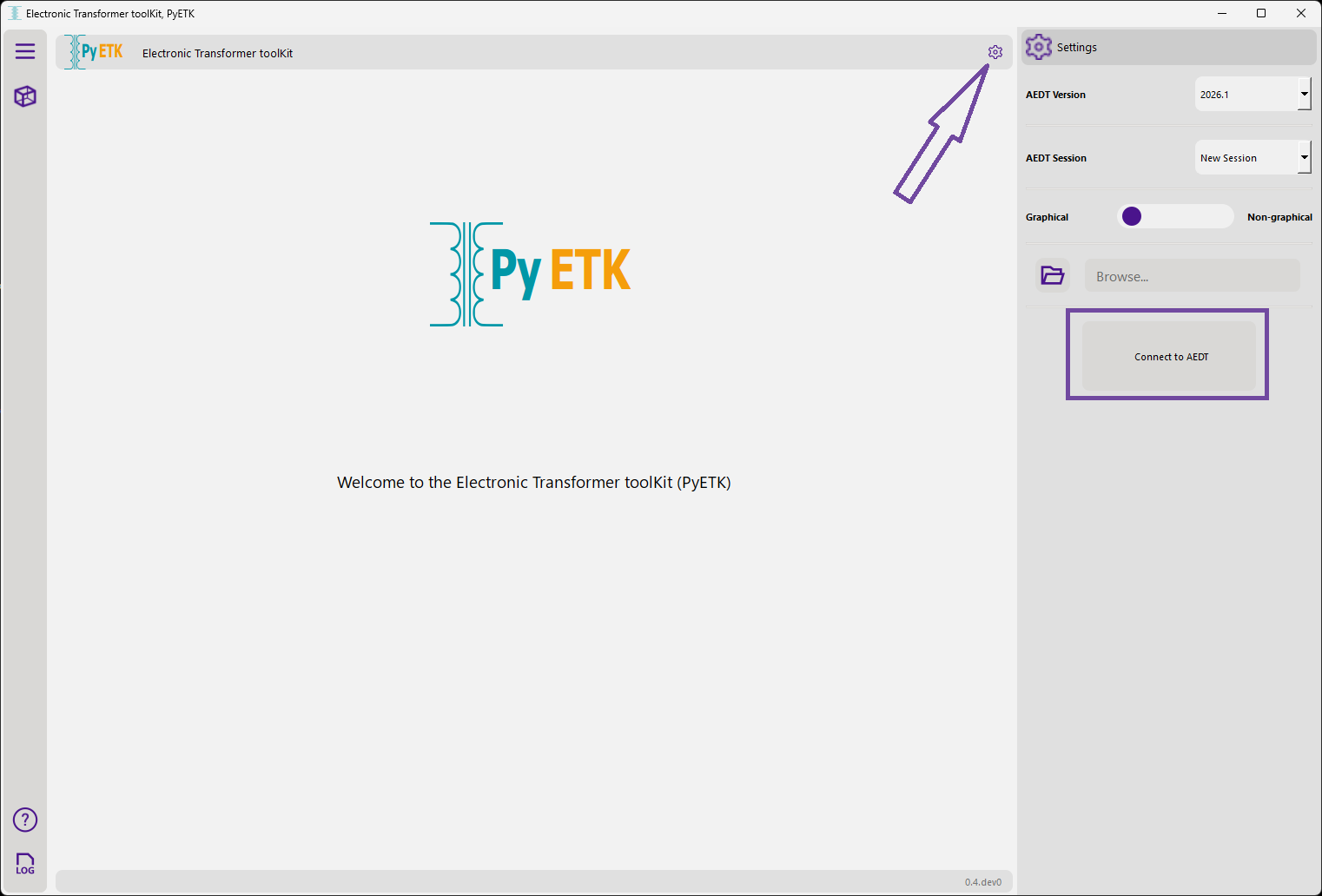
In the UI Settings, specify settings for either creating an AEDT session or connecting to an existing AEDT session.
Note
If the PyETK UI is launched from AEDT, the Settings icon does not appear because the toolkit is directly connected to the specific AEDT session.
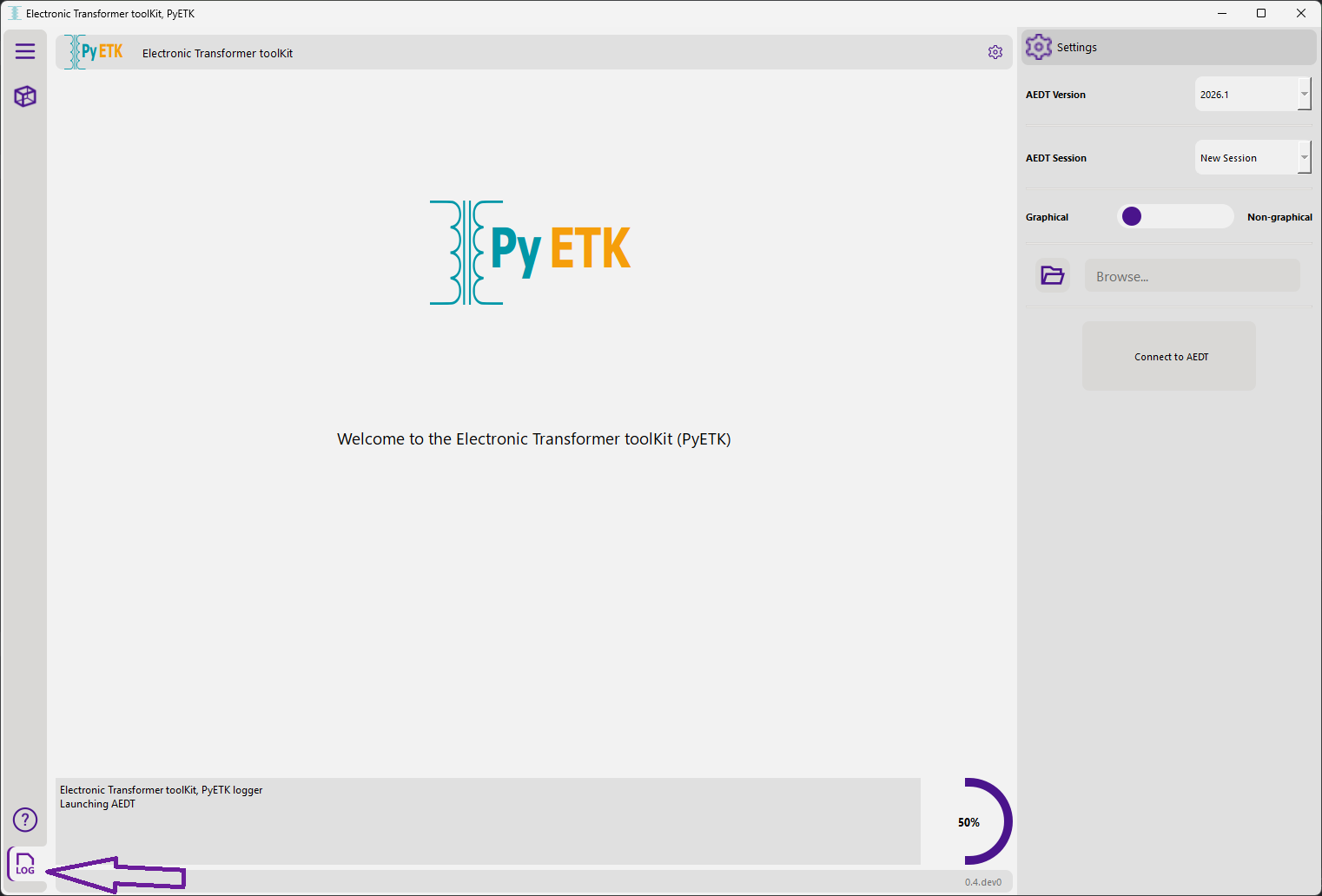
In the lower left corner, click the Log icon to view general information about the toolkit’s operations, such as the status of the connection to AEDT, the creation of geometries, and any errors that might have occurred during the process.
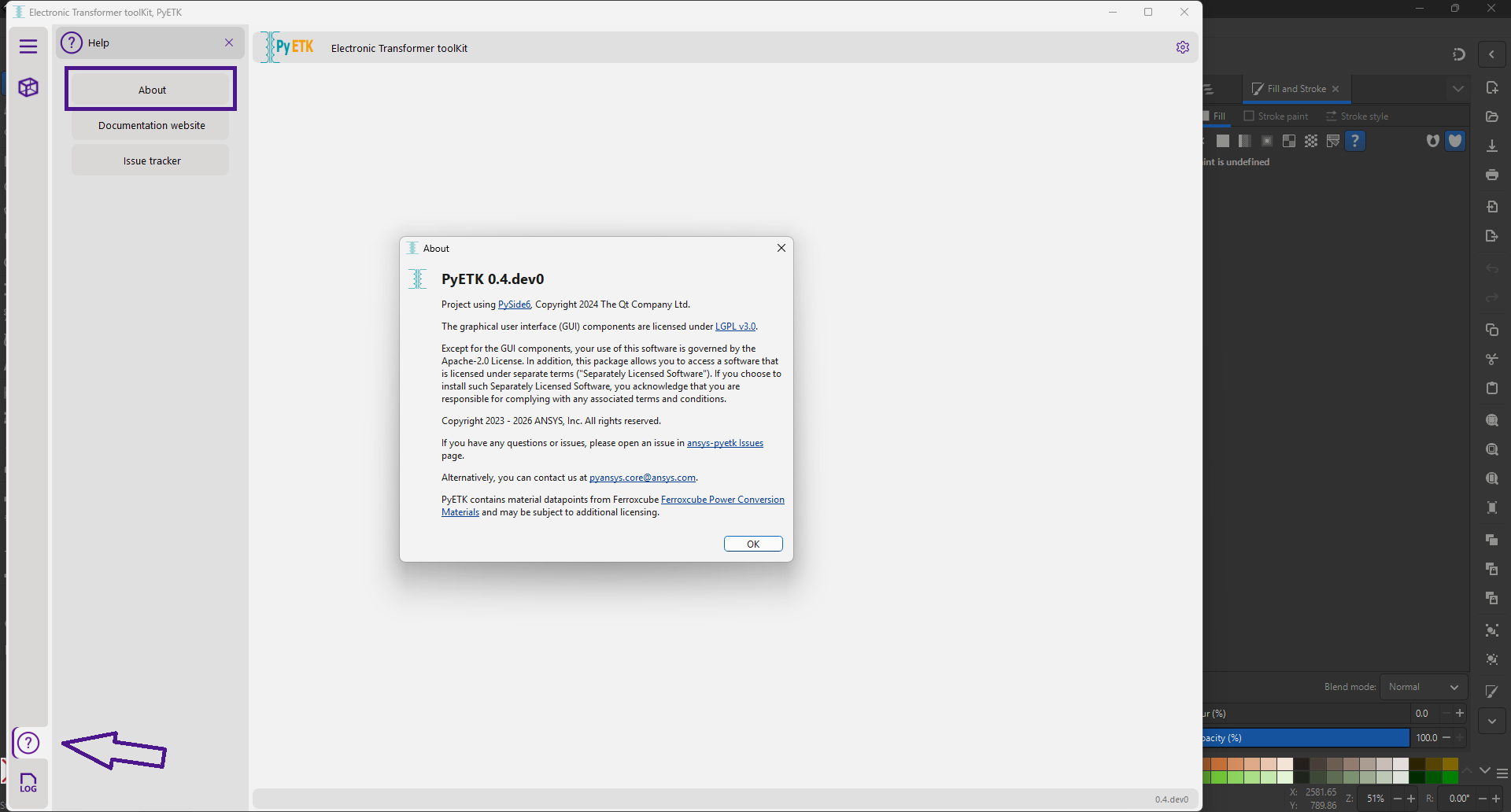
In the lower left corner, click the Help icon to access information about your PyETK installation, PyETK documentation, and issues tracked in the GitHub repository.